box-shadow is no alternative to outline
posted on
This post is part of a series called #WebAccessibilityFails, where I collect common issues I find in accessibility audits so that you can avoid them in the future.
People like to use the box-shadow property for styling focus outlines because it gives them more flexibility.
button:focus-visible {
  outline: none;
  box-shadow: 0 0 0px 4px blue, 0 0 0px 8px red, 0 0 0 12px blue;
}
That's okay in browsers' default color mode, but in forced colors mode, it's problematic because the box-shadow property computes to none, which means that there are no shadows and consequently no focus styles in this mode. You can confirm that by opening this page in a Chromium-based browser, switching to the Rendering tab in DevTools, and setting forced-colors to active.
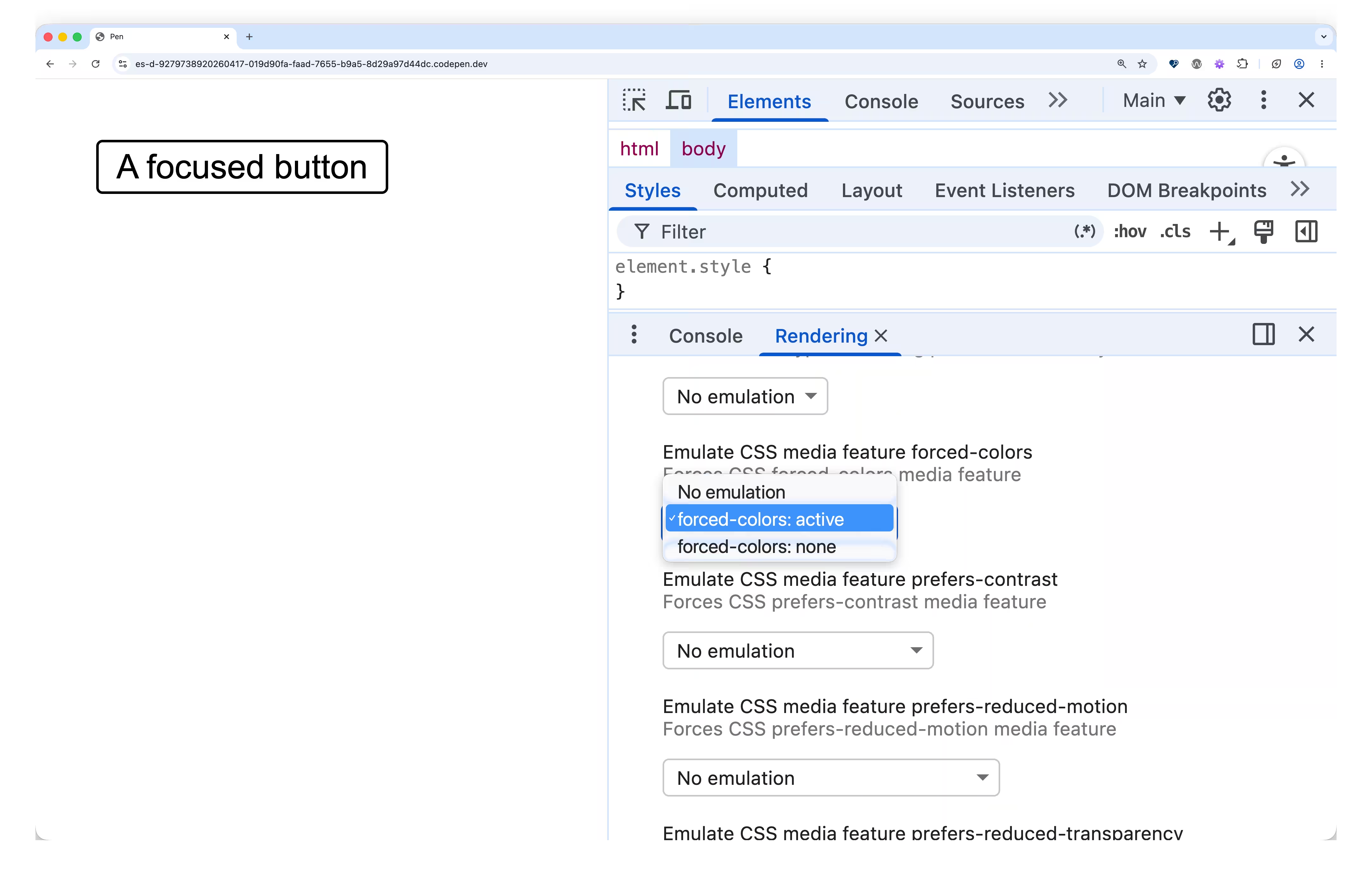
There are two solutions to that problem. Either don't try to be fancy and simply use an outline, or, if you think the user experience will be better with a box shadow, don't set outline: none; instead, set outline: 2px solid transparent.
button:focus-visible {
  outline: 2px solid transparent;
  outline-offset: 2px;
  box-shadow: 0 0 0px 1px blue, 0 0 0px 2px white, 0 0 0 4px blue;
}
The outline will be transparent in the regular mode but visible in forced colors mode. That works because in forced colors mode, colors on the page are constrained to a restricted, user-chosen palette. For transparent, which is a CSS color, this means it becomes visible.